





AwardWallet receives compensation from advertising partners for links on the blog. The opinions expressed here are our own and have not been reviewed, provided, or approved by any bank advertiser. Here's our complete list of Advertisers.
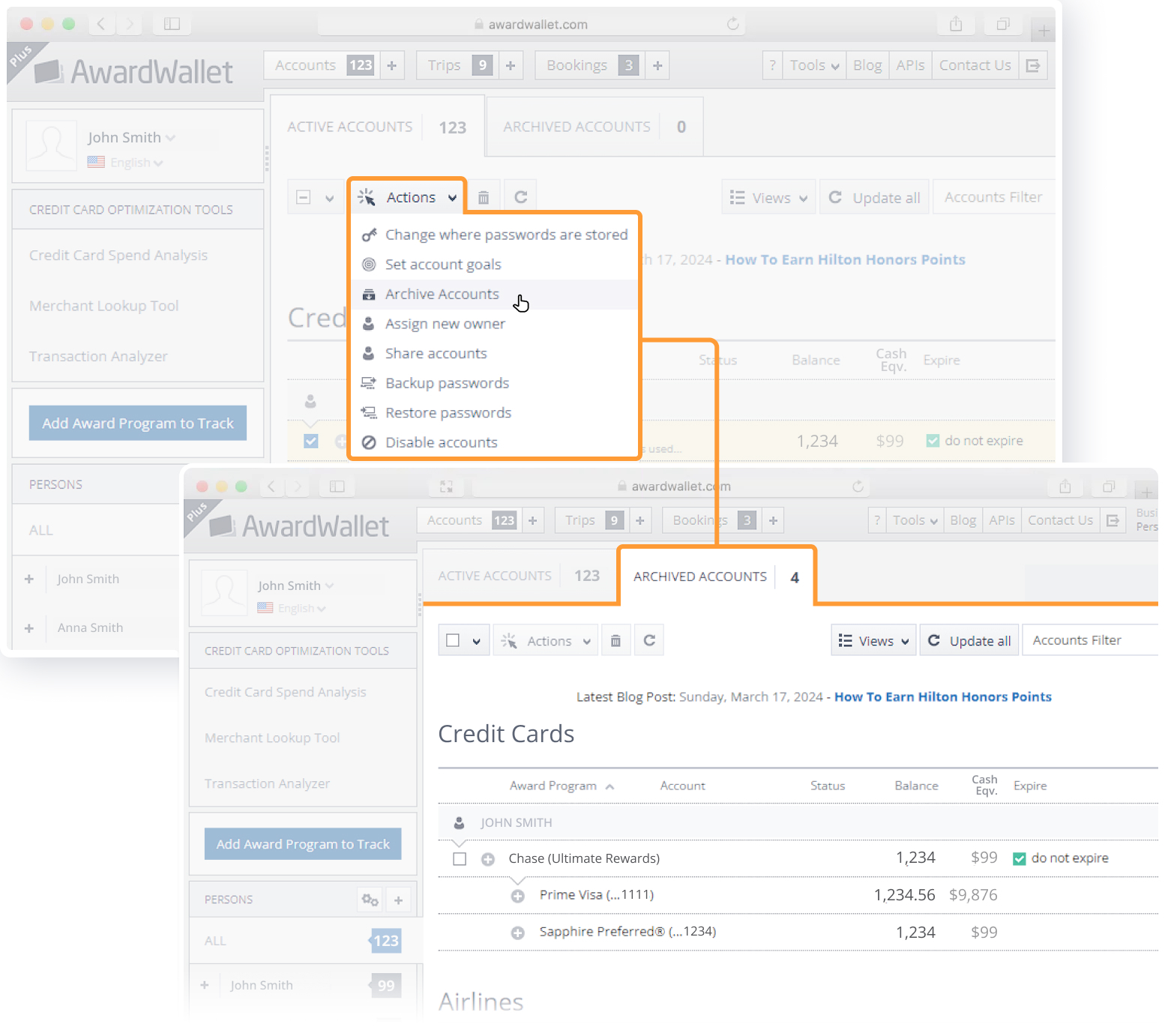
Are you overwhelmed by too many accounts appearing on your AwardWallet dashboard? You can now declutter by moving the accounts you no longer need into the “Archived Accounts” tab. Once an account is archived, it won't appear in your main “Active Accounts” list. Please note that this feature is not yet available on our mobile interface.
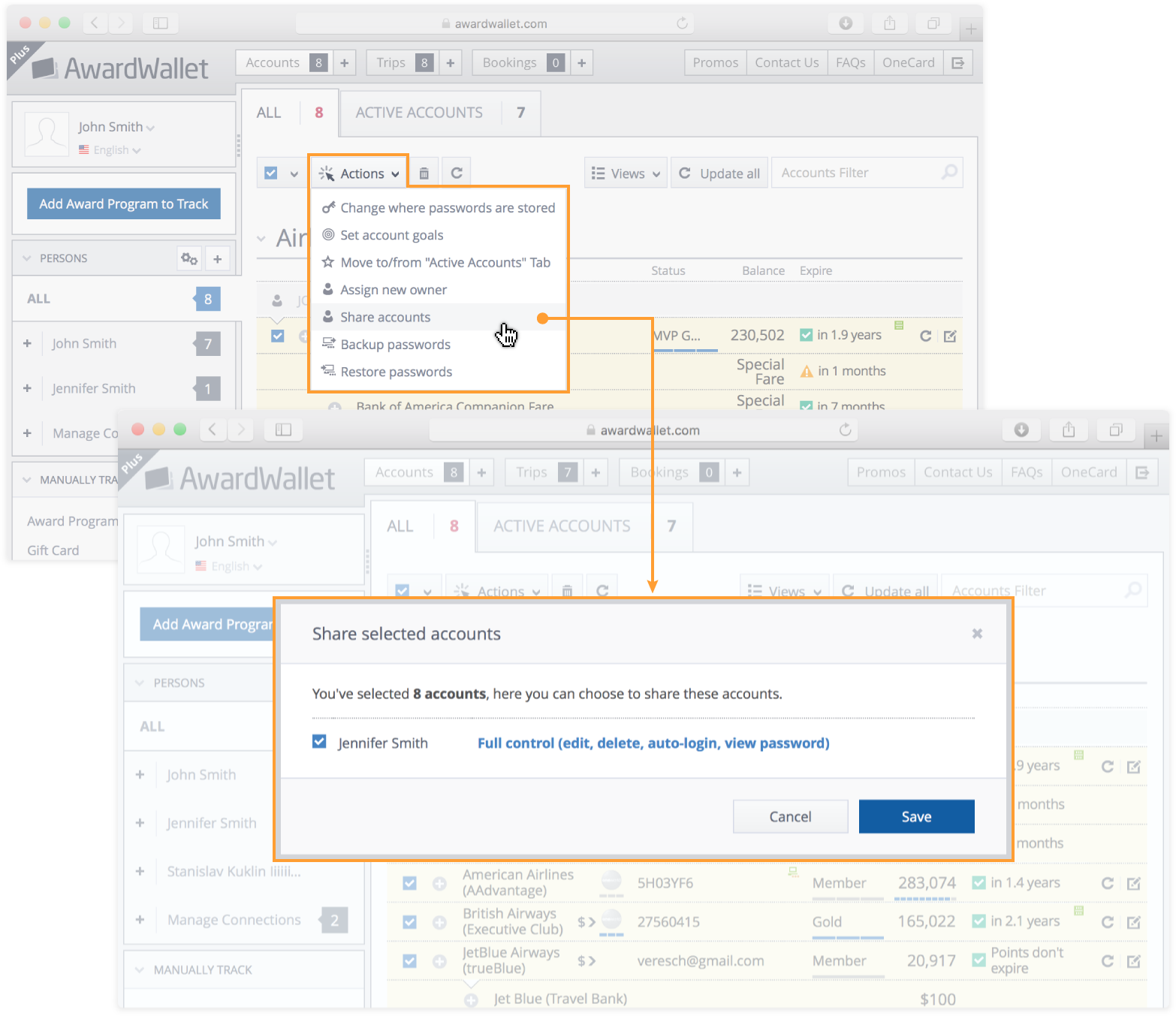
Where is this function? It’s not the same on my screen.
Make sure that you’ve selected at least one account before this option will show up in the dropdown menu.
This does not work for accounts that are entered manually. Please add the ability to add manual accounts to the active page to help keep points and expirations visible.