




AwardWallet receives compensation from advertising partners for links on the blog. The opinions expressed here are our own and have not been reviewed, provided, or approved by any bank advertiser. Here's our complete list of Advertisers.
Frequent readers may notice that the “AwardWallet Blog” looks a bit different than what you're used to. Starting today, February 24, 2026, we launched a new site design for the education and learning side of AwardWallet — which we've referred to as a “blog” for far too long.
For the past few years, AwardWallet has invested heavily in growing our points and miles guides and news coverage. In 2025 alone, we published nearly 2,500 posts on the site, utilizing a team of points and miles experts. Now we finally have a more-professional-looking site to showcase the work we've been doing.
Welcome to the new AwardWallet Learn experience.
Here's what to know about the new site design and how to maximize it.
Page Contents
First of all, make sure you're logged into your AwardWallet account for the optimized experience — more about that below. But there are a few quirks to AwardWallet Learn that we wanted to highlight:
- Latest News widget: On the AwardWallet Learn homepage, the Latest News widget can be navigated by scrolling side-to-side. Or, click the “News” button at the top of the page to see a list of all news and promotions posts.
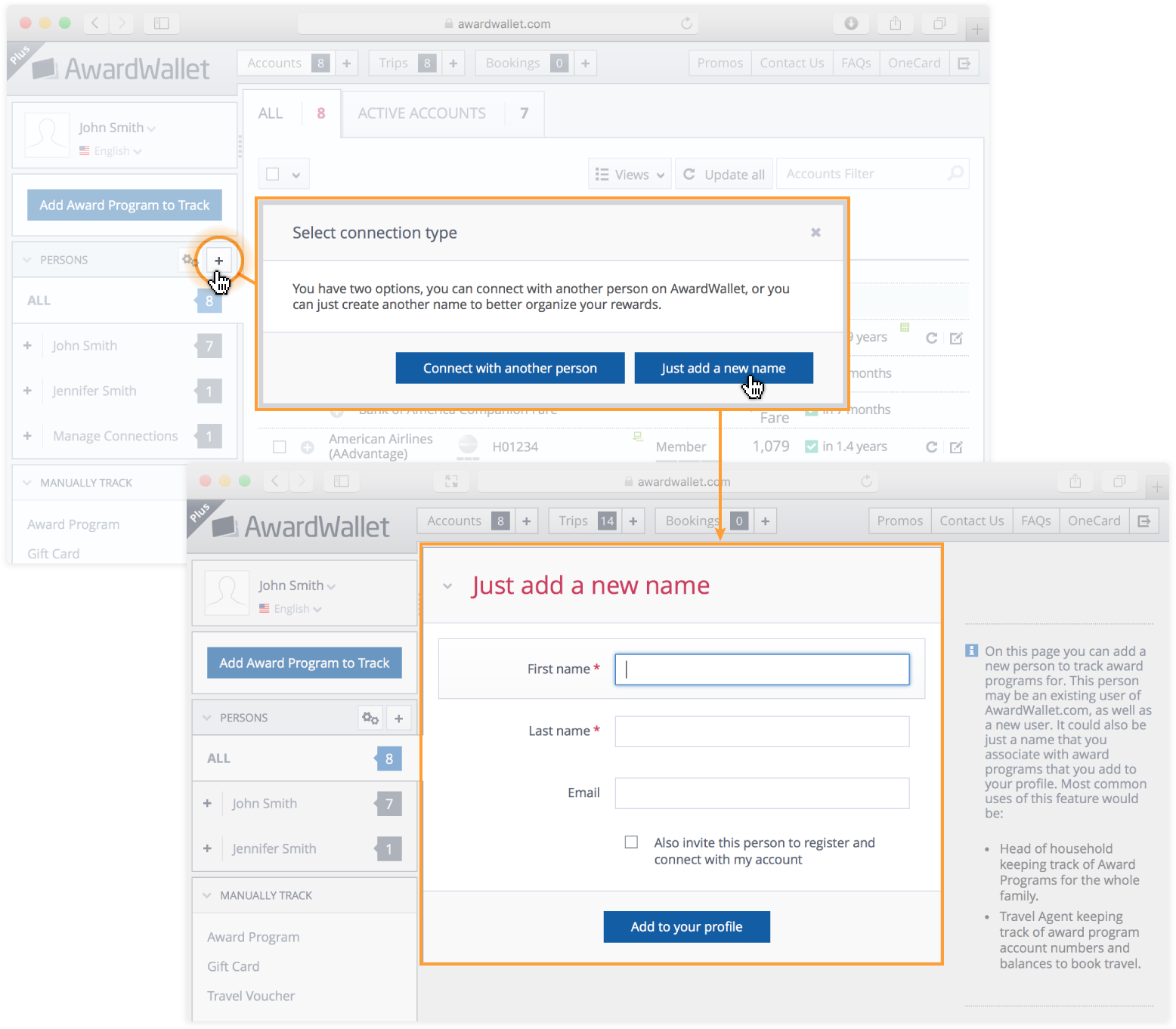
- Bookmarking posts: Save a post for later reference by clicking the bookmark icon at the top-right corner of a post. Then, you can find your favorite posts here.
- Learned posts: We also introduced a way to “check off” which posts you've already read. Just click the double-checkmark button at the top of any post (or in any post widget) to mark it as Learned. You'll no longer see these posts on AwardWallet Learn pages, but you can find your list of Learned posts here.
- Miss the old design? If you want to see all posts in chronological order, here's the page for you.
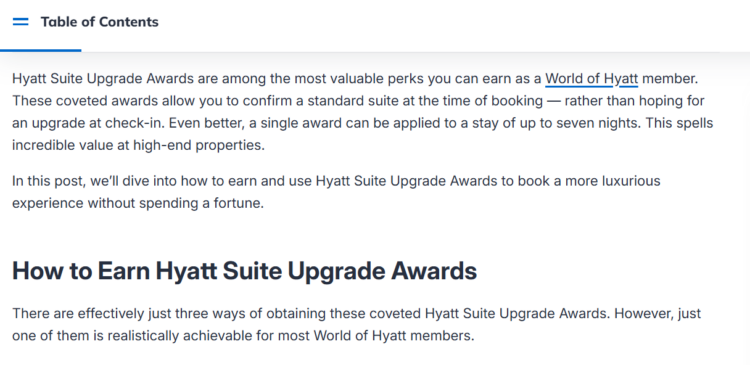
- Table of contents: We've moved the table of contents (previously found just below the intro) to a button in the top-left corner of each guide. That way, you can utilize it anywhere on a post.
- Progress bar: Just below the Table of Contents button is a blue bar to show your progress through the post.
Log Into AwardWallet for the Best Experience
AwardWallet Learn was built from the ground up to complement the AwardWallet experience. So, you'll want to log into your AwardWallet account for the full experience. Here are just some of the ways we've optimized the experience for logged-in users.
Don’t Have an AwardWallet Account Yet?
This link is a special coupon just for blog readers. Sign up today, and get an extended, 6-month trial of AwardWallet Plus!
Points and miles expiring soon
Just below the Latest News section on AwardWallet Learn, logged-in users may see a section highlighting points and miles balances at risk of expiration in the next few months. Along with your points and miles at risk and how long you have, we link to our expiration policy guide for that program. That way, you can learn how to extend the validity of these miles.
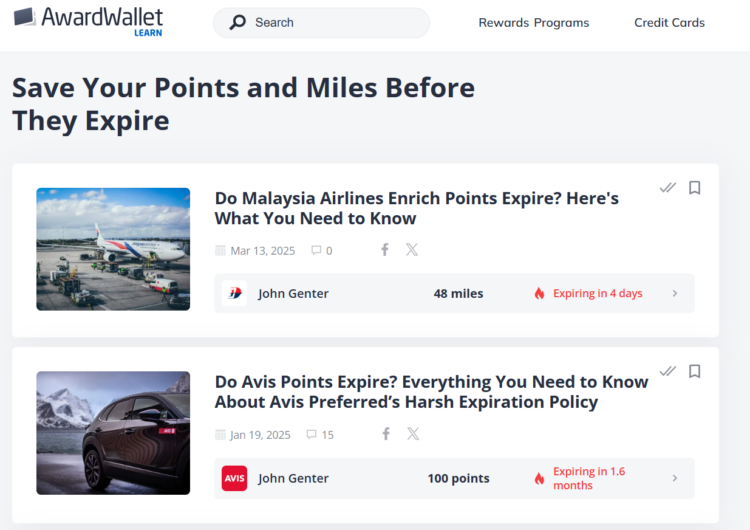
The balance and expiration date are based on the information in your AwardWallet account. If you see outdated information, make sure to update your loyalty accounts in AwardWallet.
Don't care about losing a small balance of miles in an account you no longer use (like my 48 Malaysia Enrich miles)? Just click the double checkmark button in the top-right corner of the widget to mark the card as “Learned”. That will clear it from your AwardWallet Learn homepage. You can always still access posts you've marked as Learned.
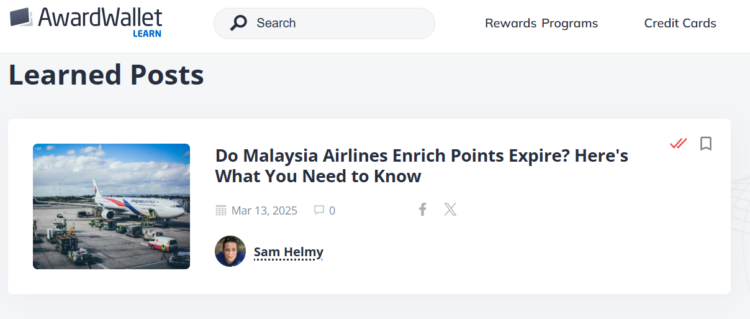
If you have no points or miles expiring in the next few months — or you've clicked Learned on all of the programs with upcoming expiration — you won't see this section on your AwardWallet Learn homepage.
Note that you will only see a guide if we have an expiration policy guide for that program. Make sure to still check your AwardWallet Dashboard for all points and miles at risk of expiration.
Card benefits and loyalty program perks expiring soon
In addition to highlighting your expiring points and miles, a section on the new AwardWallet Learn homepage lists your loyalty program perks and card benefits that are set to expire in the next few months. In my case, the new site design highlights that I need to use my wife's Alaska Companion Fare within the next 2 days!
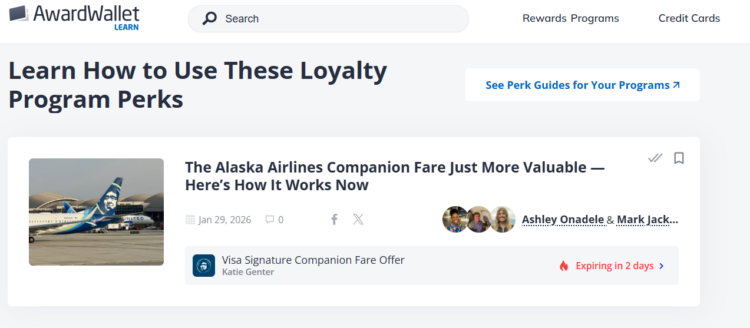
Like with the expiring points and miles section, we link you to our guide about this benefit so you can learn how to maximize it. Once you do, update your loyalty program account in AwardWallet to clear it from the list. You can also click the “Learned” button, but this will prevent this tile from being listed the next time this perk is set to expire.
Easily see news and guides for your programs
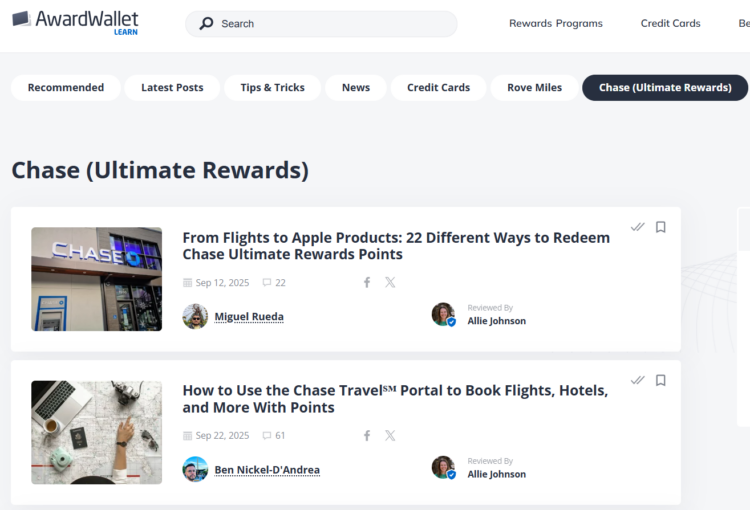
Not everyone is interested in Accor promotions or buying GarudaMiles. That's why we highlight the loyalty programs in which you have the largest balances in the top navigation. This lets you dive right into what you need to know about putting these points to use:
Customized card recommendations
On the old AwardWallet Blog, card recommendations on the sidebar were simply based on the best card offers currently available. Everyone saw the same card recommendations — regardless of whether you already had the card or were even eligible to get the card.
That's no longer the case. When you're logged into your AwardWallet, we factor in which cards you have tied to your AwardWallet account to provide customized recommendations in the “Recommended Offer for You” header and “Top Offers for You” sidebar sections.
If you aren't logged into your AwardWallet account — or haven't connected your credit cards to your account — you'll see our general recommendations.
Final Thoughts
It's been many years since the “AwardWallet Blog” was just a company blog. Over the past several years, we've published over a thousand posts each year — from the latest points and miles news to in-depth program guides.