





AwardWallet receives compensation from advertising partners, including cardratings.com, for links on the blog. The opinions expressed here are our own and have not been reviewed, provided, or approved by any bank advertiser. Here's our complete list of Advertisers.
If you've been looking to expand your cache of Bilt Points, things just got a lot more interesting. Bilt has just announced that you will soon be able to add authorized users as young as 13, and you can take advantage of fantastic spending limits and customizable features.
The rollout is happening in phases, starting with members of the Close Friends program and then rolling out to all Bilt members soon. Let's dive into the details.
Bilt Authorized Users for Teens Feature Rollout
If you are a cardholder of the Bilt Blue Card (Rates & Fees), Bilt Obsidian Card (Rates & Fees), or Bilt Palladium Card (Rates & Fees), your options for adding an authorized user are about to get a lot better.
Bilt is rolling out authorized user support for teens ages 13 and up, beginning with members of its Close Friends program before expanding the feature to all Bilt cardholders in the coming months.
Rather than treating every authorized user the same, Bilt now lets primary cardholders assign individual transaction or monthly spending limits, restrict purchases to specific merchant categories, pause or lock a card instantly, and receive real-time transaction alerts. Each authorized user will also receive their own card number, making it easier to replace a lost card or manage multiple users independently.
The new experience extends beyond parental controls. Authorized users can help pay rent through the Bilt app, and those 18 and older can create their own virtual card numbers for online purchases and digital wallets. They can also earn their own Bilt Points as they spend, or you can choose for their earnings to go to your account. Meanwhile, teens aged 13 to 17 will get physical cards, and all of their
Looking ahead, Bilt also plans to report authorized user payment history to the major credit bureaus, giving families another way to help younger users 18 and up establish credit over time.
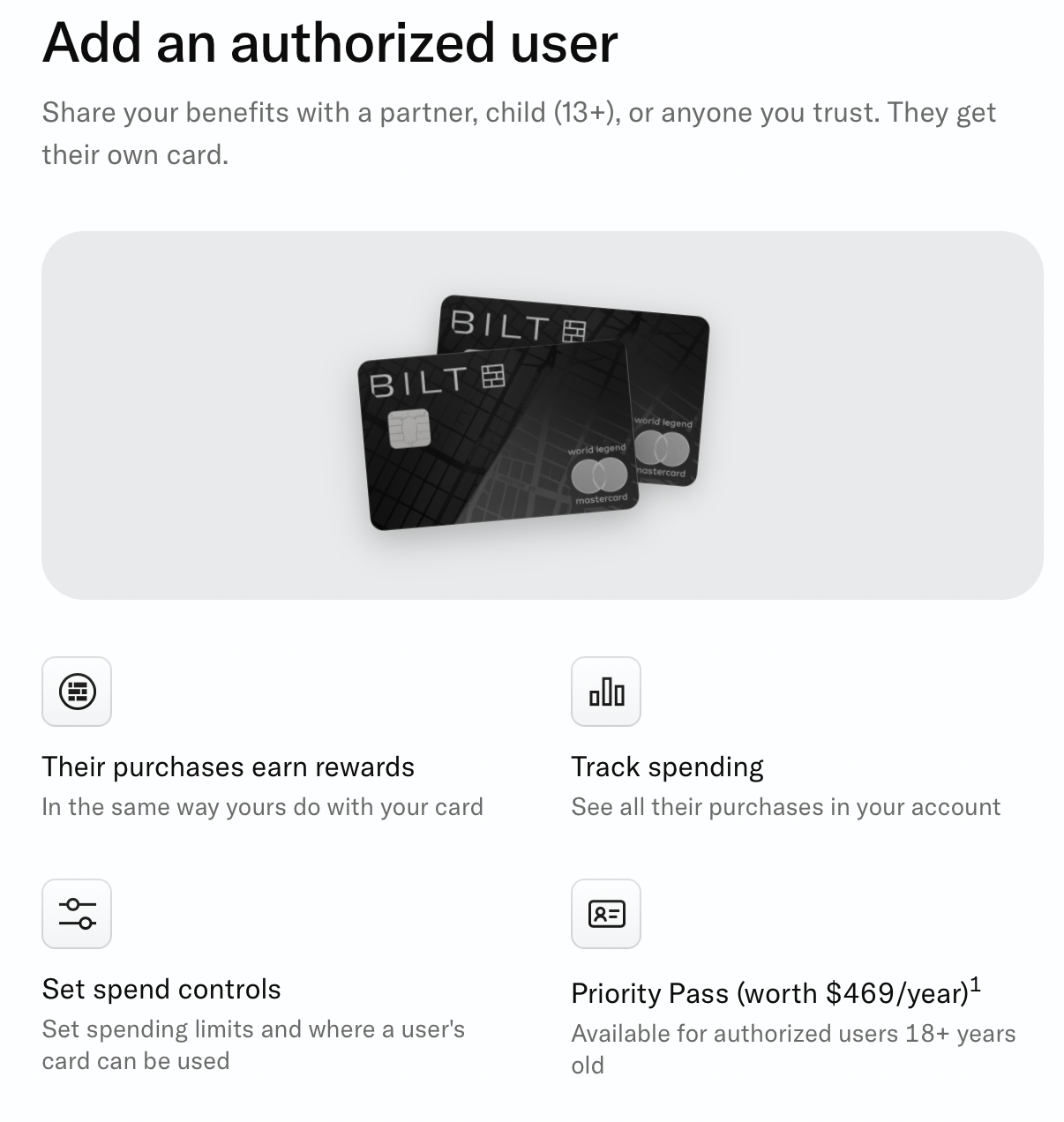
This is certainly great news for families, but it has so many use cases beyond parents teaching their teenage children the basics of managing money. The ability to fine-tune each card gives almost unprecedented options to make your life a little easier. Bilt lists examples of setting up your babysitter as an authorized user so they can purchase dinner and groceries without being able to make a big purchase.
There are plenty of benefits for you as the cardholder and for your teen authorized user:
- Have a safe and reliable emergency fund
- Make rent payments with the authorized user's card
- Everyone gets their own card numbers (great if someone loses a card)
- Anyone over the age of 18 can have a virtual number for added security
- Set monthly spend limits and even category limitations for purchases
- Pause the card if it's been misplaced
- You, as the account owner, earn points off of their spend
- Coming soon: You'll be able to start building credit history for those teens
Related: Pros and Cons of Adding an Authorized User to Rewards
How To Add an Authorized User
If you are a member of Close Friends, you can add an authorized user via the Bilt App by following these steps:
- Open the Bilt app and go to your Card settings
- Navigate to Authorized Users
- Add a new authorized user and input their information
- Set their monthly and per-transaction spending limits
- Select which merchant categories their card works with
Note that this is a different process than Bilt has historically used for adding an authorized user, which wasn't very intuitive.
Keep in mind that you might have to pay an authorized user fee depending on your card:
- Blue Card: No authorized user fee
- Obsidian Card: $50 per authorized user annually
- Palladium Card: $95 per authorized user annually
You can add up to five authorized users to your account.
For more information on setting up authorized users, click here.
- Earn up to 1.25X points on rent and mortgage payments with no transaction fee.
- 1X points on everyday spend.
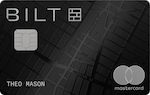
$95Rates & Fees
- Earn up to 1.25X points on rent and mortgage payments with no transaction fee.
- 3X points on your choice of grocery (up to $25K/year) or dining. Your 3X category choice remains in effect for the entire calendar year.
- 2X points on travel
- 1X points on everyday spend
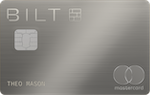
$495Rates & Fees
- Earn up to 1.25X points on rent and mortgage payments with no transaction fee.
- 2X points on everyday spend
Bottom Line
I was fortunate that my parents set me up on the path to a good financial education and solid credit history from a young age, so being able to do the same for the teenagers in our lives is awesome. I love that Bilt is taking the standard authorized user experience and turning it on its head. From virtual card numbers, spending controls, and credit building, this is an all-around positive announcement from Bilt. If you aren't a member of Close Friends, keep an eye on your Bilt account for more information over the next few months.
For rates and fees of the cards mentioned in this post, please visit the following links: Bilt Blue Card (Rates & Fees), Bilt Obsidian Card (Rates & Fees), and Bilt Palladium Card (Rates & Fees)