




AwardWallet receives compensation from advertising partners for links on the blog. The opinions expressed here are our own and have not been reviewed, provided, or approved by any bank advertiser. Here's our complete list of Advertisers.
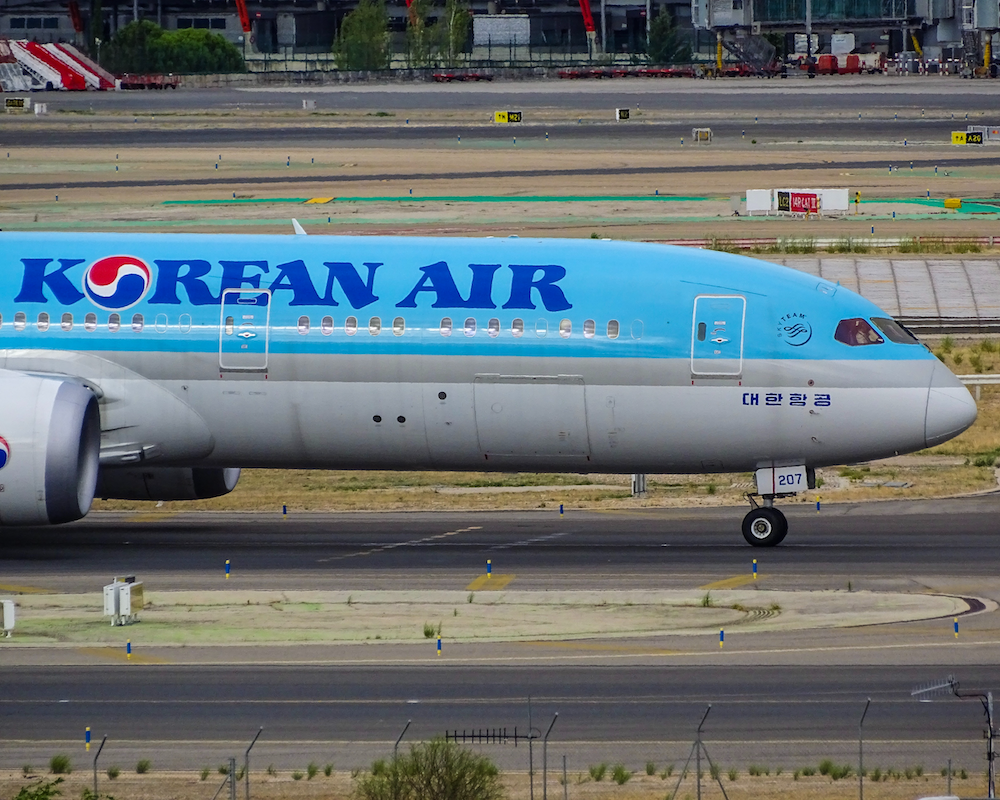
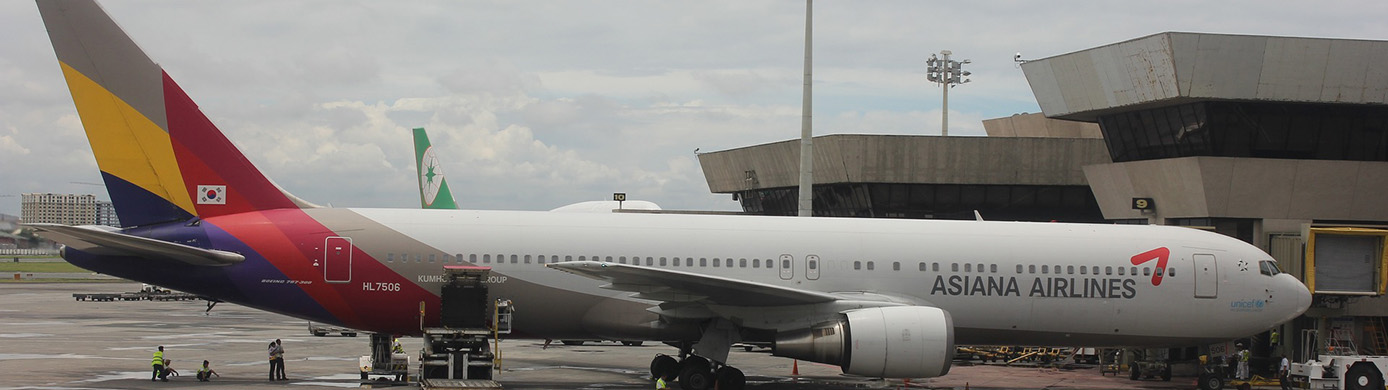
If you weren't already aware, Korean Air is merging with Asiana Airlines. That means Asiana will leave the Star Alliance on December 16, 2026, and be fully absorbed into Korean Air. Asiana branding will be slowly phased out, and the airline will cease to exist as a separate entity.
If you are an Asiana Airlines member, here's everything to know about what will happen to your account. The good news is that you aren't forced to convert your entire balance into Korean Air SKYPASS miles in the next few months. The bad news is that Asiana elite status was an easy way to earn Star Alliance status, and that option is no longer available.
Korean Air has officially told Asiana members what to expect from the merger in the next few months. Although Asiana will no longer operate as an independent airline as of December 2026, you can keep your Asiana mileage balance for several years.
Let's dive in.
Converting miles
According to Korean Air, on December 17, 2026, your Asiana miles will automatically transfer to your SKYPASS account. However, automatic doesn't actually mean automatic. You need to link your accounts for the conversion to take place.
“After linking your account, it will be automatically transferred at the time of full integration without any further action required from you. We will notify you of the result upon completion.”
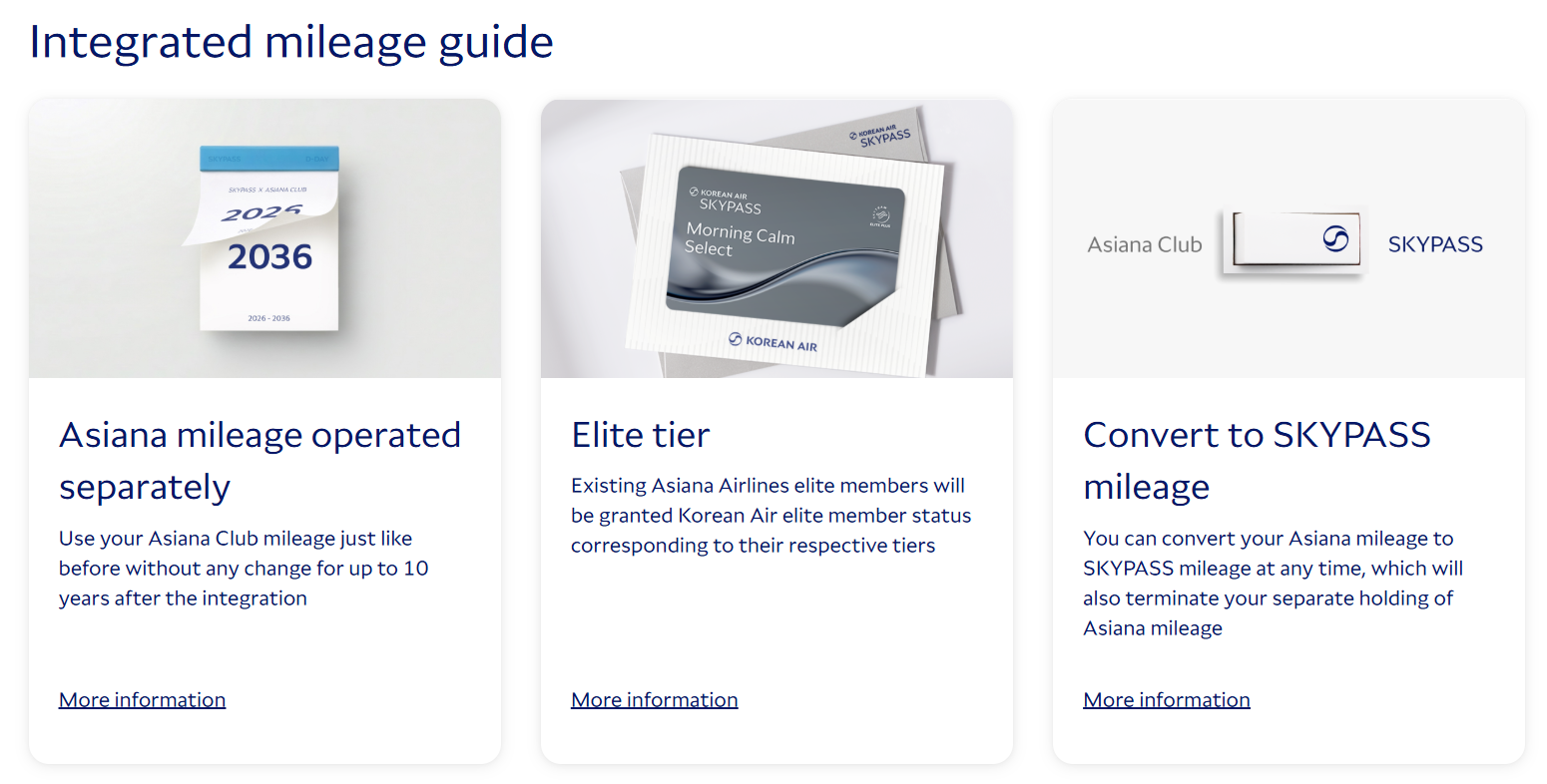
Your miles will be transferred — not converted. You will manage your Asiana balance separately within your SKYPASS account for up to 10 years following the integration. You can continue to use your miles “just like before” to book Asiana flights, but you obviously will no longer be able to use your miles to book flights on Star Alliance partners.
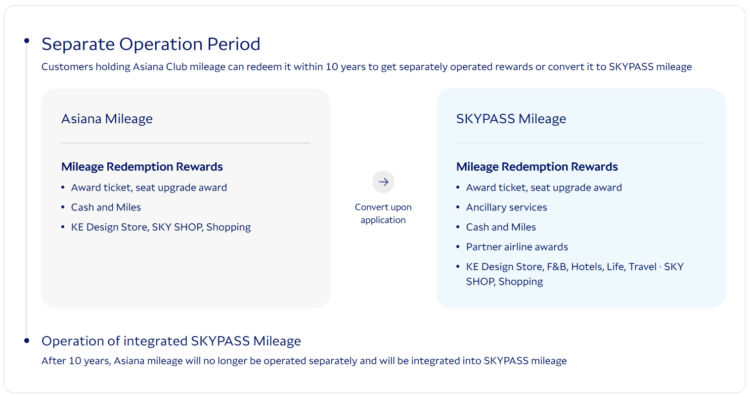
Luckily, you can still use the Asiana award chart to book flights, but only if you have enough Asiana miles to cover your ticket. You can't combine SKYPASS and Asiana miles unless you convert your entire Asiana balance to SKYPASS miles.
When you're ready to convert your Asiana miles, how you earned them matters. If you earned miles by flying with Asiana or a Star Alliance partner, your miles will convert at a 1:1 ratio. If you earned miles through
Elite status
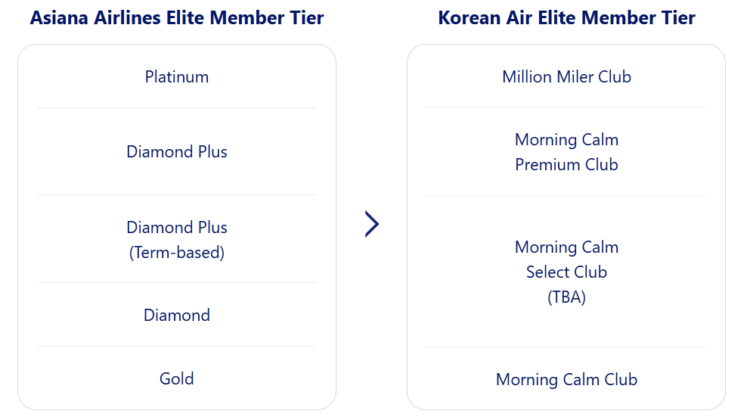
If you hold Asiana elite status, you will automatically receive a status match in the Korean Air program, and your status will expire on its current expiration date:
- Asiana Gold → Morning Calm
- Asiana Diamond → Morning Calm Select
- Asiana term-based Diamond Plus → Morning Calm Select
- Asiana Diamond Plus → Morning Calm Premium
- Asiana Platinum → Korean Air Million Miler
Related: 10 Reasons Why Korean Air SKYPASS Should Be on Your Radar
Bottom Line
The only thing you need to do before December 17, 2026, is link your accounts. After that, you have plenty of time to choose how you want to use your miles. Luckily, most things should be automatic — your elite status match and points transfer will happen as long as your accounts are linked.
However, if you want to use your miles for Star Alliance flights, you'll need to do so before the merger is finalized. Similarly, if you want to earn Asiana miles on Star Alliance-operated flights between October 16 and December 16, you will need to submit a request after your flight, as accrual will no longer be automatic.