


How To Check Your Chase 5/24 Status for Free How To Check Your Chase 5/24 Status for Free

How To Check Your Chase 5/24 Status for Free

AwardWallet receives compensation from advertising partners for links on the blog. The opinions expressed here are our own and have not been reviewed, provided, or approved by any bank advertiser. Here's our complete list of Advertisers.

Offers for the Ink Business Preferred® Credit Card are not available through this site. Some offers may have expired. Please see our card marketplace for available offers

May 24 = 5/24. So naturally, we’re covering all things Chase 5/24 on AwardWallet today. Whether you’re under, over, or not sure what 5/24 even means, we’ve got guides, tips, and strategies to help you navigate this card application rule.

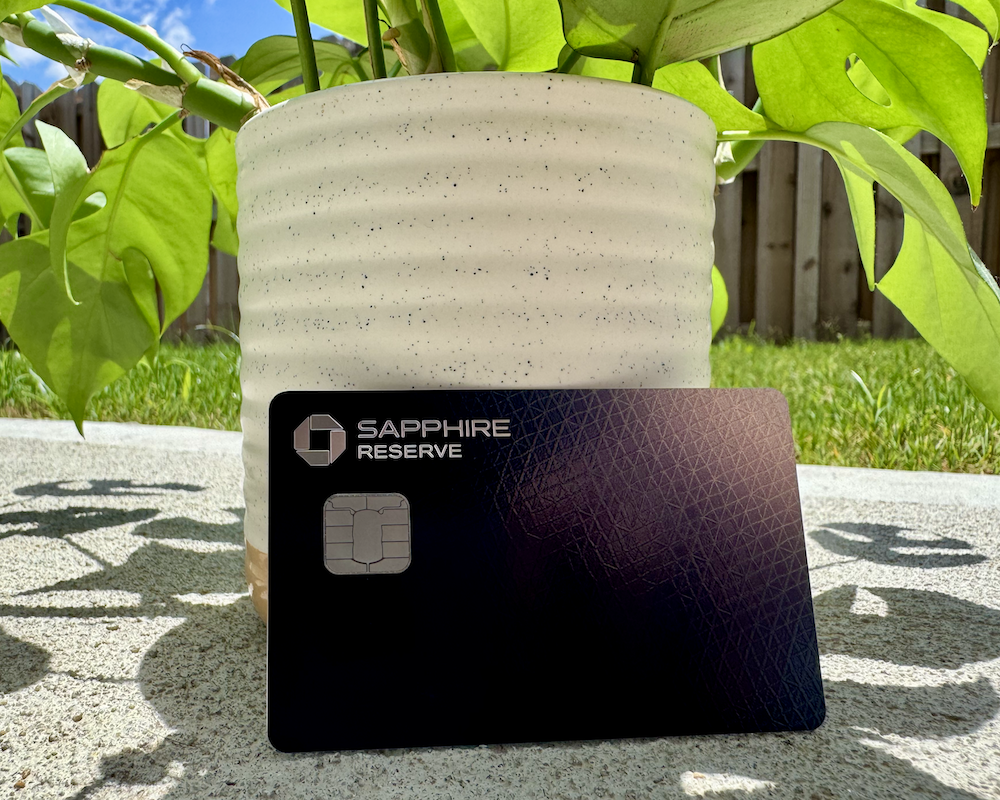
When building a credit card strategy for earning points, there are many card application restrictions to navigate. One of the most infamous and restrictive is Chase’s 5/24 rule. This policy applies to all Chase-issued cards, including cobranded and business cards, as well as those that earn Ultimate Rewards points like the Chase Sapphire Preferred® Card and Chase Sapphire Reserve®.

A question we encounter on a regular basis, both here on the blog and in AwardWallet’s Facebook community, Award Travel 101, is how to check your 5/24 status.

We recommend keeping a detailed record tracking all of your credit card applications, approvals, and cancellation dates. However, if you don't already have these details, there are free tools available that can help you determine your Chase 5/24 status. Here's how.

A Quick Recap of Chase's 5/24 Policy

Under Chase's 5/24 policy, most applicants will be denied if they’ve opened five or more new credit card accounts within the last 24 months. This number is based on what Chase sees on your credit report. Chase applies this restriction to essentially all applications for Chase credit cards, including all Sapphire, Ink, Freedom, airline, hotel, and business credit cards.

Here are the main takeaways from this rule:

  • All personal credit cards opened in the past 24 months (from any card issuer) count towards your 5/24 status. For example, say you’ve opened one card each with American Express, Bank of America, and Barclays in the previous 24 months. You would be 3/24, even though none of the cards are issued by Chase.
  • In most cases, Chase doesn’t count business cards toward your 5/24 status, including its own cards. This can be confusing, as applications for the Ink Business Preferred® Credit Card are still subject to the 5/24 policy when applying. However, if you're approved, Chase won't count this card towards your 5/24 status when applying for another Chase card.
    • The exceptions to this rule are Discover, TD Bank, and most Capital One business cards. These card issuers report most of their small business cards to your personal credit report. Therefore, it's important to know that these business cards will count toward your 5/24 status.
  • Even if you subsequently close a card, that card will still count toward your 5/24 status. This policy is based on the date you opened a new credit card, regardless of closing activity.
  • If you're an authorized user on credit cards opened in the past 24 months, Chase may count these during your application. If that pushes you past five new accounts, a reconsideration call can straighten this out.
  • Other loans you have, such as car loans, personal loans, mortgages, and tuition, do not count toward your 5/24 status.

Related: Why Starting With Chase Cards Matters if You’re Under 5/24

The Simplest Way to Check Your Chase 5/24 Status

The good news is that you have several ways to check your 5/24 status for free, including apps like those from Experian or counting the new cards on the report from AnnualCreditReport.com, which you can check for free each week. Let's look at some of the apps that can be useful here.

Experian

Sign up for a free Experian account and download the app on your device. Although Experian may try to sell you an upgraded service, you do not need to purchase anything to check your credit report for your 5/24 status.

Once logged into the app, click on the tab at the bottom that says Credit, and then select View Report.

A screen shot from the Experian app shows how to check your credit report
Credit: Experian

On the following page, click the arrow next to Accounts. This will bring you to the list of all open accounts on your Experian credit report.

A screen shot from the Experian app shows the accounts tab.
Credit: Experian

Finally, click on Views at the top and select Date Opened (New to Old) to sort your accounts. You can now see which accounts you have opened in the last 24 months.

A screen shot shows an experian credit report on the Experian App
Credit: Experian

Count up the total number that fall within that timeframe, and you have your 5/24 number.

Intuit Credit Karma

Another free option for checking your 5/24 status allows you access to your TransUnion and Equifax reports: Credit Karma.

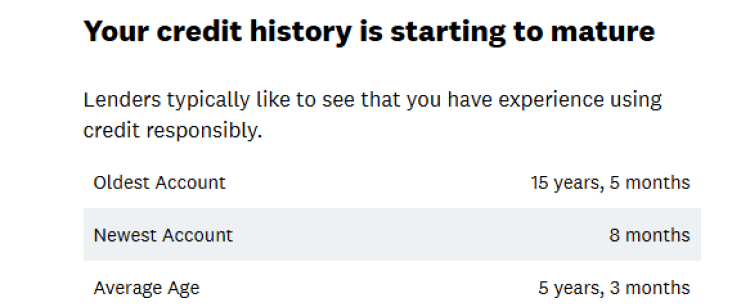
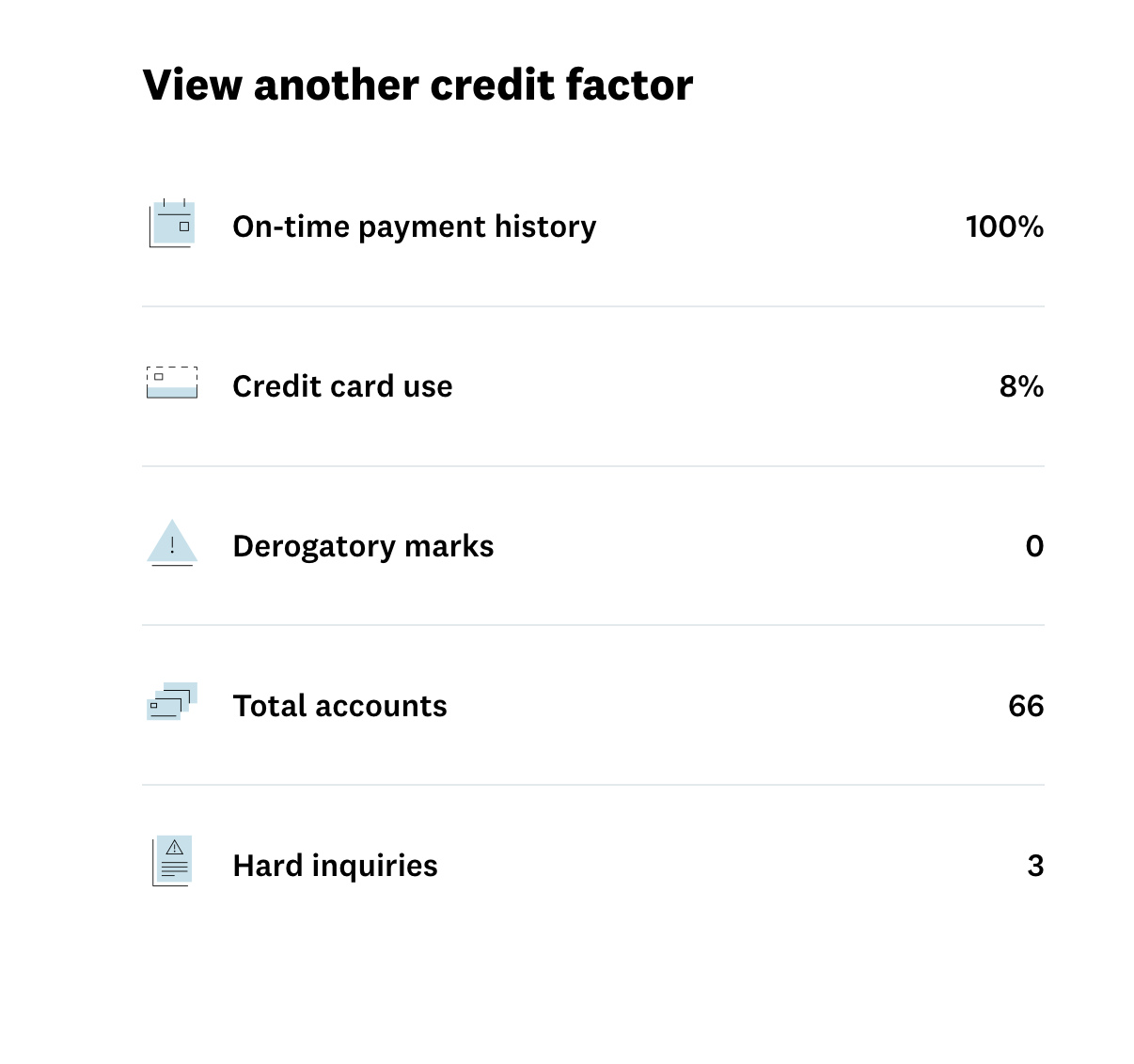
On Credit Karma's site, fill out the requested information to create an account. After it pulls your credit profile, you can select either TransUnion or Equifax on the Dashboard and then scroll down to the Credit Factors section until you see the option for “credit age” and click on that.

Credit Karma option for credit age
Credit: Credit Karma

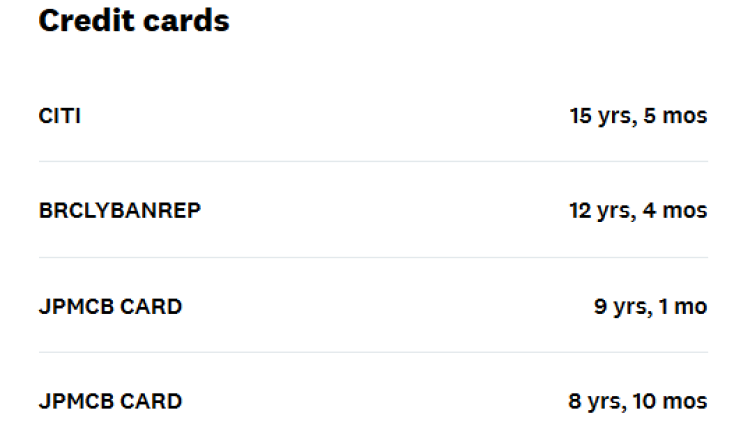
On the next page, scroll down to where you see “credit cards.” These will be listed from oldest to newest.

Credit Karma accounts age
Credit: Credit Karma

Scroll down to the newest accounts and note anything that's less than two years old.

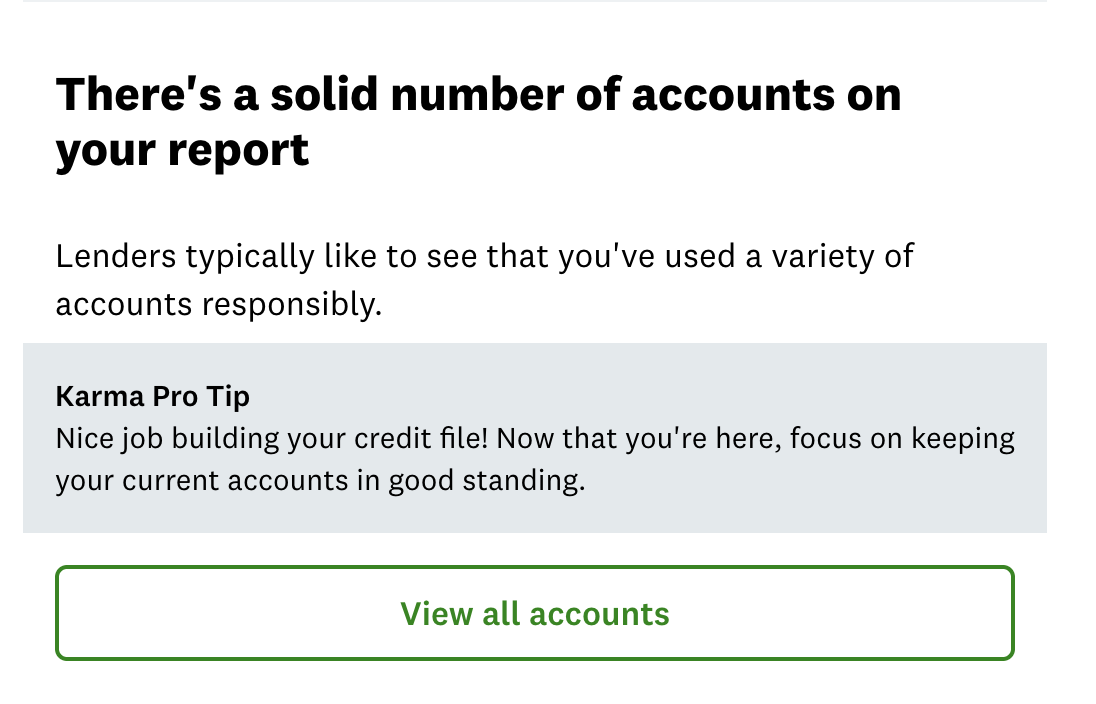
Unfortunately, this list only includes your open accounts. Chase will include closed accounts in your 5/24 status. So you'll need to find those as well. To do so, click on “credit” and then scroll down until you see the tab listed as Total Accounts.

A screen shot from the Credit karma app shows how to view all accounts
Credit: Intuit Credit Karma

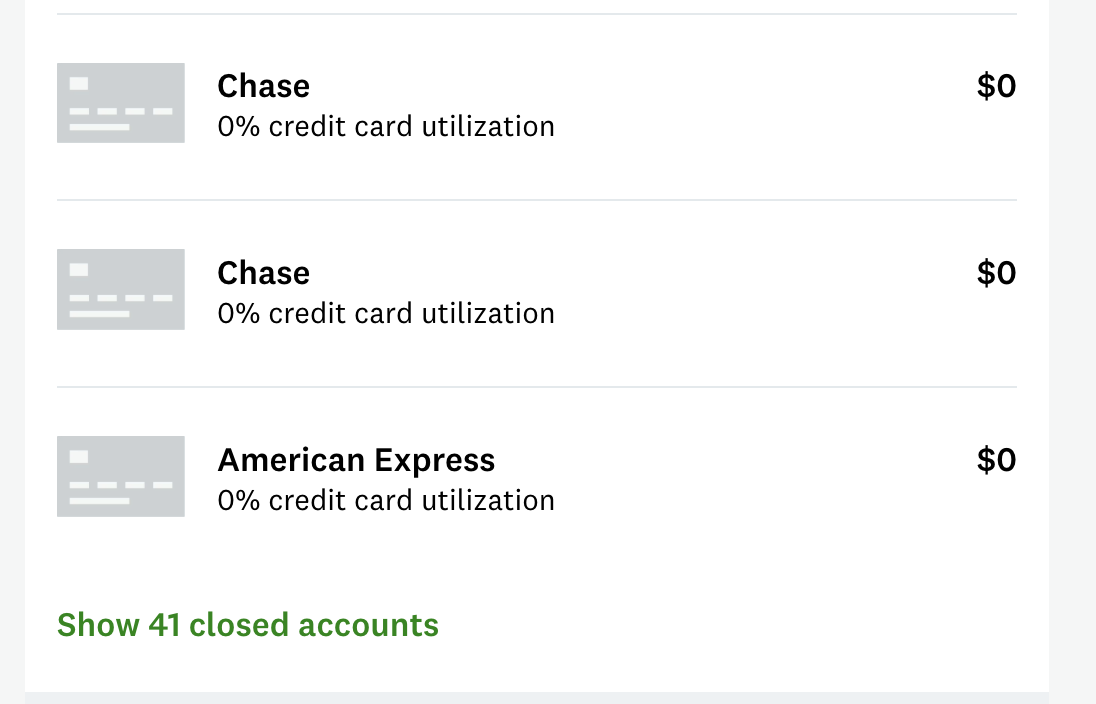
Then, scroll down to the “View closed accounts” option.

A screen shot from Credit Karma shows how to view closed accounts
Credit: Intuit Credit Karma

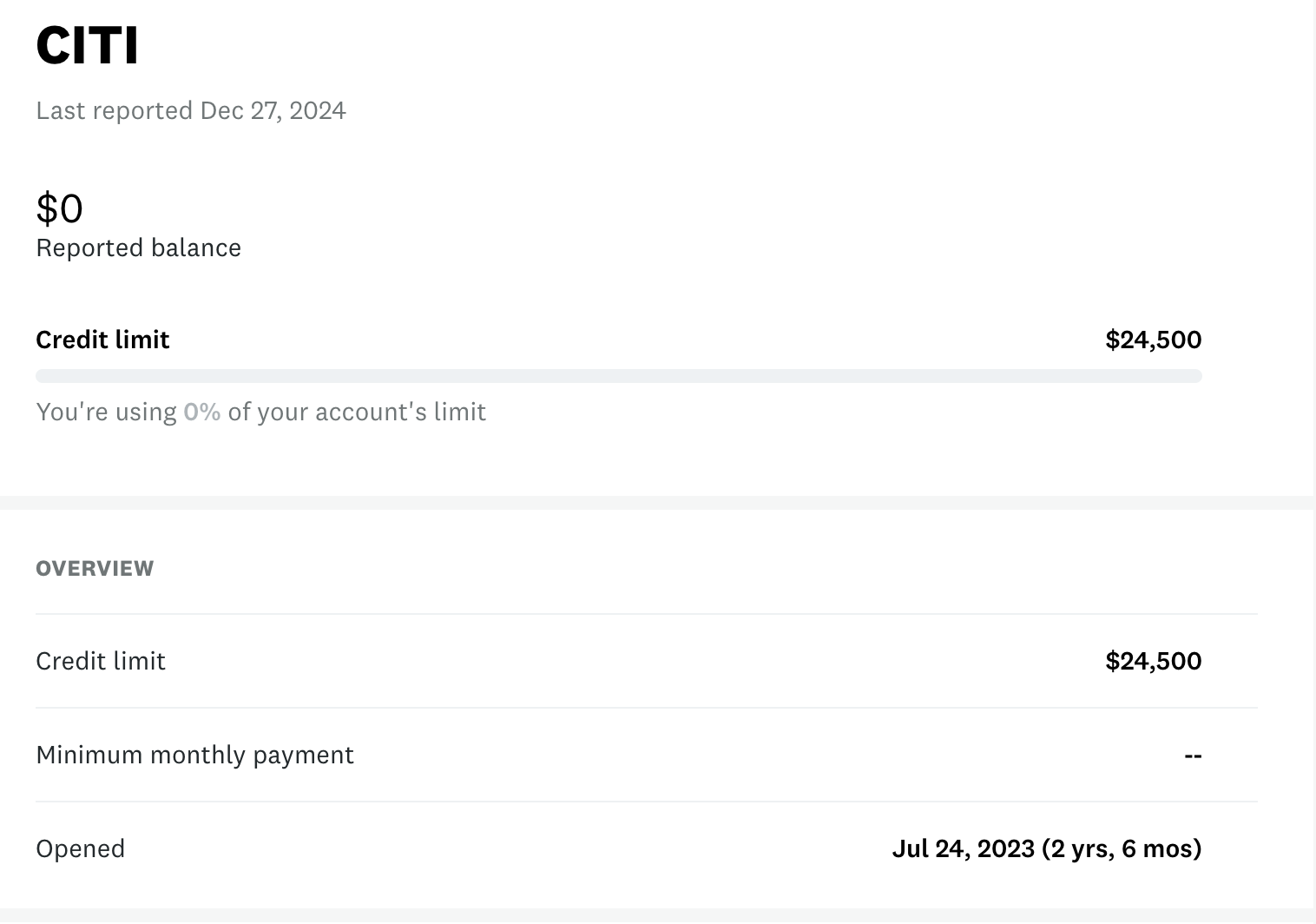
These aren't sorted by account opening date, which is what we really need. All you'll see is the issuer's name and a closing date. Cards that were closed more than 24 months ago can obviously be ruled out. For anything closed within the last two years, you'll need to click on the card name to view details about when it was opened.

Credit Karma closed account details
Credit: Credit Karma

Add any cards from this closed accounts list to your open accounts list to get a total of how many cards you've opened in the past 24 months. This is your Chase 5/24 number.

Other Free Methods To Check Your Chase 5/24 Status

There are other ways to check how many new cards you've opened, although they do require a little more legwork.

If you spend the time putting your credit card history into Travel Freely, it will tell you your 5/24 status every time you log in. It also shows when each card will fall off your 5/24 count, helping you plan ahead

A screen shot shows the author's 5/24 status on Travel Freely
Credit: Travel Freely

However, it can take some time to add all of your accounts to your free account at Travel Freely, depending on how many credit cards you have.

For past accounts, you may not be worried about listing the bonus that you earned or when you product changed from one credit card to another. However, the important details include the card name and the opening date. You'll need to find that opening date from your credit report or by asking your credit card issuer.

The good news is that maintaining your information on Travel Freely is quite simple once you set up an account and enter all of your cards. Adding a new card is quick, as is updating a card that you changed or closed, and you'll see your 5/24 status every time you log in.

Check your 5/24 status from your free credit report

You can get a free copy of your credit report at annualcreditreport.com. As the name implies, this site previously offered a report annually. After that, you had to pay for viewing your full report additional times. However, since 2023, the site has offered weekly access to your credit report. Of course, the full report will include all pertinent information, but it does not sort the accounts for you, so some work is required to sort through your accounts.

How to determine which accounts are Authorized User accounts

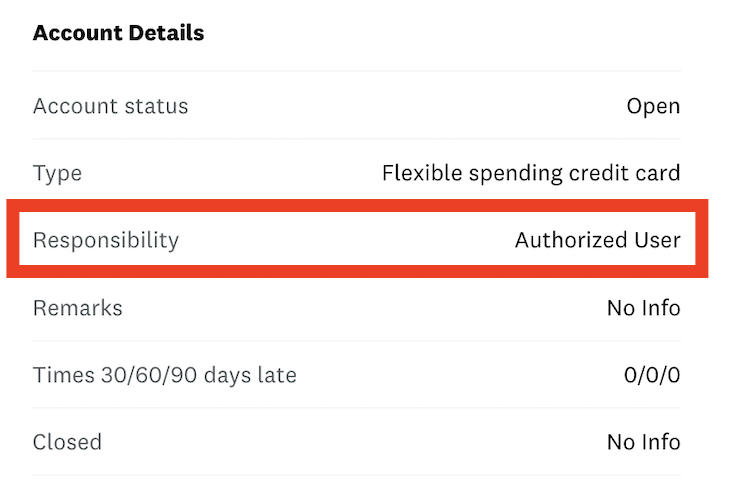
No matter which method you use to check your credit report, you can identify authorized user accounts in the details for each. Look for “Responsibility: Authorized User” or similar language when checking an account's details.

red bar indicates that this is an authorized user account, which shouldn't count toward your Chase 5/24 status; you can check this information for free in your credit report or on numerous sites

If you're the primary cardholder on the account, the Responsibility row will show “Individual.”

When counting how many credit cards are under two years old, make sure to note how many of those are authorized user accounts. While authorized user accounts don't count toward your 5/24 status, it's important to know these numbers in case you need to explain this to a phone representative.

Final Thoughts

Because of Chase’s inflexible application rules, we recommend building your portfolio of Ultimate Rewards earning cards before diversifying into other rewards currencies. If you focus on other card issuers and climb over 5/24, getting back under 5/24 can be a hassle. And it's no fun missing out on Chase's great sign-up bonuses.

Do you know other free, simple methods to check your 5/24 status? Let us know in the comments below.
Header image credit: Frugal Flyer

AwardWallet Tip of The Day
Did you know that you can set an individual goal for each of your loyalty accounts? Progress towards that goal is displayed under your account balance. You can set goals in bulk or individually by selecting the account(s) and clicking Set Account Goals under the Actions menu.
Show me how

The comments on this page are not provided, reviewed, or otherwise approved by the bank advertiser. It is not the bank advertiser's responsibility to ensure all posts and/or questions are answered.

Leave a Reply

Your email address will not be published. Required fields are marked *

Comments

    Try updating the actual usefulness of the article rather than just the publication date.

    For instance, the Experian app does not work anymore.

      Believe me: Having outdated information with updated dates drives me nuts. The option to “show update date” was checked by someone no longer with the company. I reverted the publish date back to the last time this was published, and I’m assigning this post out for an update.

    Is the Chase Ink Business Unlimited subject to 5/24 on applying or for future purposes? We did the 120k points deal on that one last year.

      JT Genter says:

      The Ink Business Unlimited is indeed subject to 5/24, although some have reported being able to get around that through an in-branch relationship.

    Chase Credit Journey also has a way to check 5/24 status. Scroll down to “Total Balances,” tap “See all accounts” at the bottom of that section (which takes you to a list of all your accounts, including ones you’re an authorized user on), and tap each to see account details, including the age and date opened. Unfortunately, that info isn’t provided for closed accounts, which are listed below open ones. However, from the payment history chart that is, you can figure out month and year opened, which should be sufficient.

    I checked my card status using the Experian app and it showed most of my cards (open and closed) Interestingly enough it did not show a Chase Flex card I opened last year. Any idea why that would be?

      Ryan Smith says:

      Patrick, it definitely should show up. I would reach out to Chase and Experian to ask why the card isn’t showing on your credit report (unless you want it to not show up…).

    I am not able to check my 5/24 status. Credit Karma does not work. Please provide a direct link and instructions. I just want to know my 5/24 status (accounts opened in past 24 months).

    Craig Berlin says:

    Both you and the Points Guy recommended Credit Karma to determine 5/24 status; however, the link provided and the account page does not allow sorting in any way. I don’t know if the functionality has been removed or something else is going on.

    The CreditKarma site changed and none of these tricks work any longer.

    One problem with CreditKarma is that they block access when you are overseas.

    This is really great to know – it’s so important in the credit card game to understand your status with Chase, as they offer some of the most competitive cards (especially at the no annual fee level).

    I heard Clark Howard talking about how more and more people are paying off their credit cards, and that this is putting the credit card companies in a bind. So they are going to be putting more and more great offers out trying to get people to run up a balance. Great news for those of us who churn and can reap the rewards!

      There’s a risk that it actually has the opposite effect. Credit cards can make generous signup offers for the very reason that many folks carry balances and the companies profit handsomely off them. We benefit because others pay the bill.

    Shirley J says:

    Chase has great offers, but other issuer’s offers keep getting in my way of 5/24

    The Chase Southwest bonus was great this year! Working on getting companion pass.

    “The exceptions to this rule are Capital One and Discover. Both card issuers report small business cards to your personal credit report. Thus, these business cards will count towards 5/24.”

    Does this apply to all business cards with Capital One?

    I keep a spreadsheet of all of mine and my wife’s cards. It’s smart to keep a slot open but I’ve backed off of Chase and am now in the MR earning world.

    Great tip to easily check your account openings and what you 24mo status is. Hey , maybe if someone at CK is listening they should just show that on a dashboard. I can always dream.

    I had heard both scenarios, that 5/24 was only applicable to Chase-branded cards, and I also heard it applied to all card-issuers. So thankful you cleared this up for me!

    Honestly though, not too sure I would trust Credit Karma. Had a bad experience with them and a younger friend of mine. She had absolutely no credit history, but signed up for Credit Karma and saw she had an 800 credit score and tried to buy her first car. I tried explaining that that score wasn’t accurate and why, but she didn’t listen. Needless to say, she was shocked when she found out I was right and that she had no credit history and the interest rates they charged her were astronomical for the FEW banks that would approve her for a car loan.

    Fenspinbi says:

    Two other useful tools which I personally use are the credit score tab in Mint, and the website Travel Freely. Although Mint & Credit Karma are both owned by Intuit, the former is far more useful as a comprehensive personal finance app. Travel Freely is specifically geared to credit card enthusiasts, and includes 5/24 status and bonus trackers on its dashboard. You enter the card you have (no personal info required), when you applied for it, and it’ll map it to your 5/24 count, track your annual fee posting date, and your SUB due date automatically.

    You can also easily look at the “age” of the card by going to the “Overview” menu item in the top left and selecting “Score Details”, once there, you will see the 6 factors that affect your credit score and one of them is “Credit age”. Clicking on that gives you a list of accounts and also lists how long each card has been opened. Count the cards that are under 2 years.

    I dont agree with Chase limited card openings within the last 24 months from other card issuers aside from their own. If you qualify on their terms, then it should not matter that you also got other cards from other issuers.

    Great article on how to know and plan for 5/24….the points and miles game got a LOT more complicated when Chase started implementing the 5/24 rule….makes one have to go on a credit card diet for 2 years to re-qualify for Chase cards…have to really pick your spots now. I really miss the wide open playing field of just 6-7 years ago when you could sign up for just about anything and get approved if your credit score was high enough.

    I missed out on the original 100k bonus on the Sapphire Reserve due to the 5/24 rule. It was also very soon after the rule was implemented so very unfortunate timing for me.

    Great post, very useful and I’ll be bookmarking it for future reference.

    Emily Davidson says:

    Never knew they tracked this!

    Dan Miller says:

    So important to stay on top of your 5/24 status!

    Thanks. While I am currently safely outside of the 5/24 rule, Credit Karma seems to be a good way of keeping track of accounts not just for 5/24 purposes, but to make sure no unauthorized accounts are out there. That said, what, if any, are the negative or pitfalls of having the free Credit Karma account? Amongst thoughts, since it is free, would I be authorizing unsolicited offers from either Credit Karma or their “partners”?

      Yes, that sounds about right. And really, most marketing companies can buy your credit score and market to you regardless of whether you use a free service like Credit Karma. I’ve used the service for years and never found their marketing overly intrusive.

    Suellen Herwehe says:

    Thanks for the tips since I have not been keeping track of the opening of credit cards. I am now though. I too have been denied by Chase.

    ron_vaughn@hotmail.com says:

    I can only see Transition in the CK site. Is that what Chase uses?

    This is useful, thanks!

    Do Amex cards not show up in Credit Karma? I got the SPG personal card a couple of months ago, but it’s not listed as one of my accounts in CK.

    Great tip! Note that authorized user cards you have been added on will likely show up as “new” cards and count toward 5/24, but reports are Chase will not count those when call reconsideration and make that point to them.

    Lillian Dikovitsky says:

    Thanks! Great info. I have always loved Credit Karma.

    Maryjane says:

    I just started using Credit Karma a few months ago and I was also surprised at how easy it is to do. I had been tracking my 5/24 status myself but it was much less accurate. I couldn’t be sure which cards affected 5/24 and which didn’t. Now I know for certain. Next month I will finally be under 5/24 and I can start applying for more UR earning cards! Very exciting.

    Very helpful, thanks for the reminder

    The restriction is such a bummer.

    Great way to find out about the 5/24 status! I have never had to worry about that, thank goodness! I just don’t open enough cards I guess to have bumped into the 5/24 rule with Chase. Just having this info really helps that I won’t in the future either.

    Emma2007 says:

    I would rather keep Chase Hyatt and Chase IHG cards in case I can only have two.

    Thanks. I wondered how to do this without spreadsheet. Great to know.

    Nice tool. Def going to check it out

    Great tool. Will def check my history.

    Very useful! Thank you!

    More people need to use tools like this to be aware of their 5/24 and personal finance issues

    I used that tool, very easy and intuitive. Well done!

    Thanks for this tip. I’ve had several accounts opened lately but can’t quite recall the timing of them.

    charles j says:

    I guess I’m limited to the non 5/24 cards, like British Airways.

    nice to know that this is out there

    This is actually a pretty good tool.
    Thanks for the post!

    Great idea to use Credit Karma. I’m going to check mine now.

    Good information, thanks

    Haha, couldn’t be easier… and to think, all this time I’ve been keeping track of this on post-it notes!

    Great info

    Jason Logan says:

    thanks- very helpful tools and tips

    great tip. thank yoU!

    I always wondered about how to do it. good guide.

    Robert Zimman says:

    I tried using the link , but it took me to the dashboard. I explored the Credit Karma site, but was unable to find a listing that looked anything like the one shown.

    I was still able to find the data, but it took a lot of work – looking at each account individually.

    This is a good tip. I do this but always forget to tell others to check this way.

    The credit karma credit score always seems a bit off to me, but it really useful for keeping track off all credit lines.

    prefect!! I don’t keep track like some do with a spreadsheet!! so this is great.

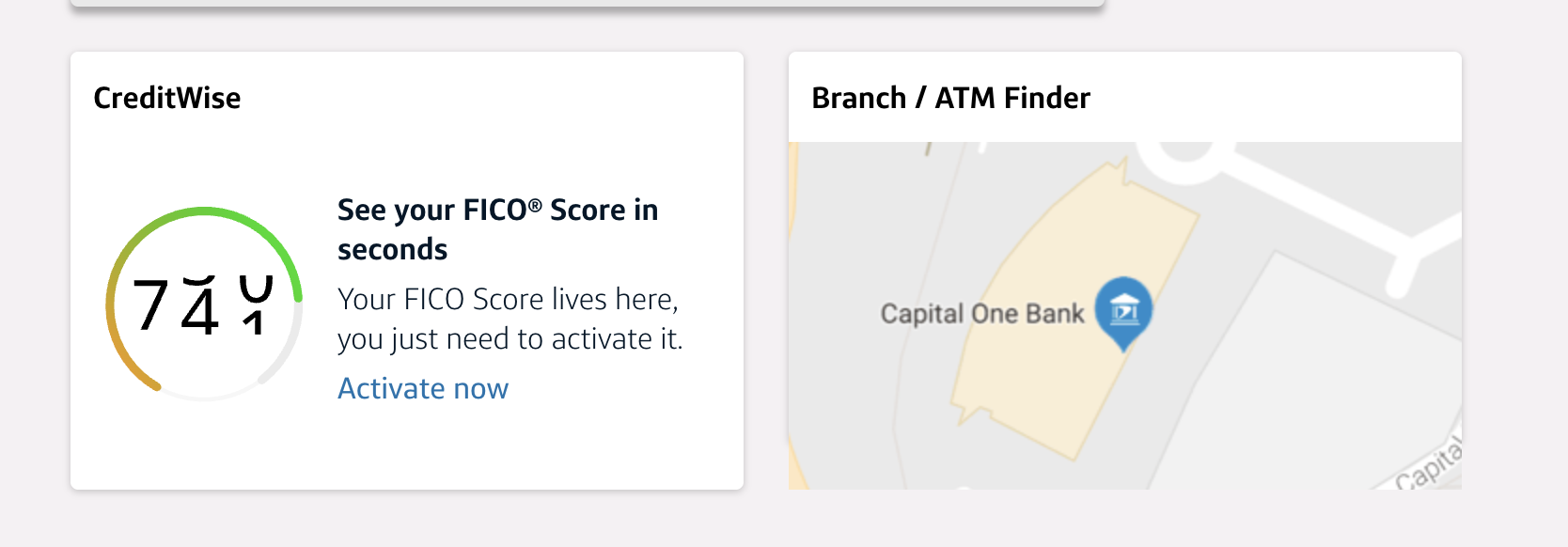
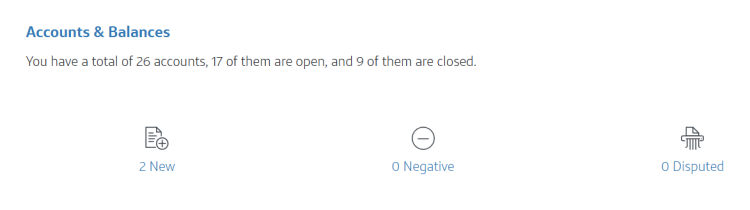
    I use CreditWise from Capital One to check my credit score through TransUnion. When I check my credit score, one of the pieces of information returned is the number of new accounts in the past 2 years. I haven’t double checked it with CreditKarma.

    https://creditwise.capitalone.com/home

      Thanks for that tip. That worked for me, and it matched CreditKarma. I’m 17/24, so that might explain why I’m getting denials lately.

    Thanks, useful!