




AwardWallet receives compensation from advertising partners for links on the blog. The opinions expressed here are our own and have not been reviewed, provided, or approved by any bank advertiser. Here's our complete list of Advertisers.
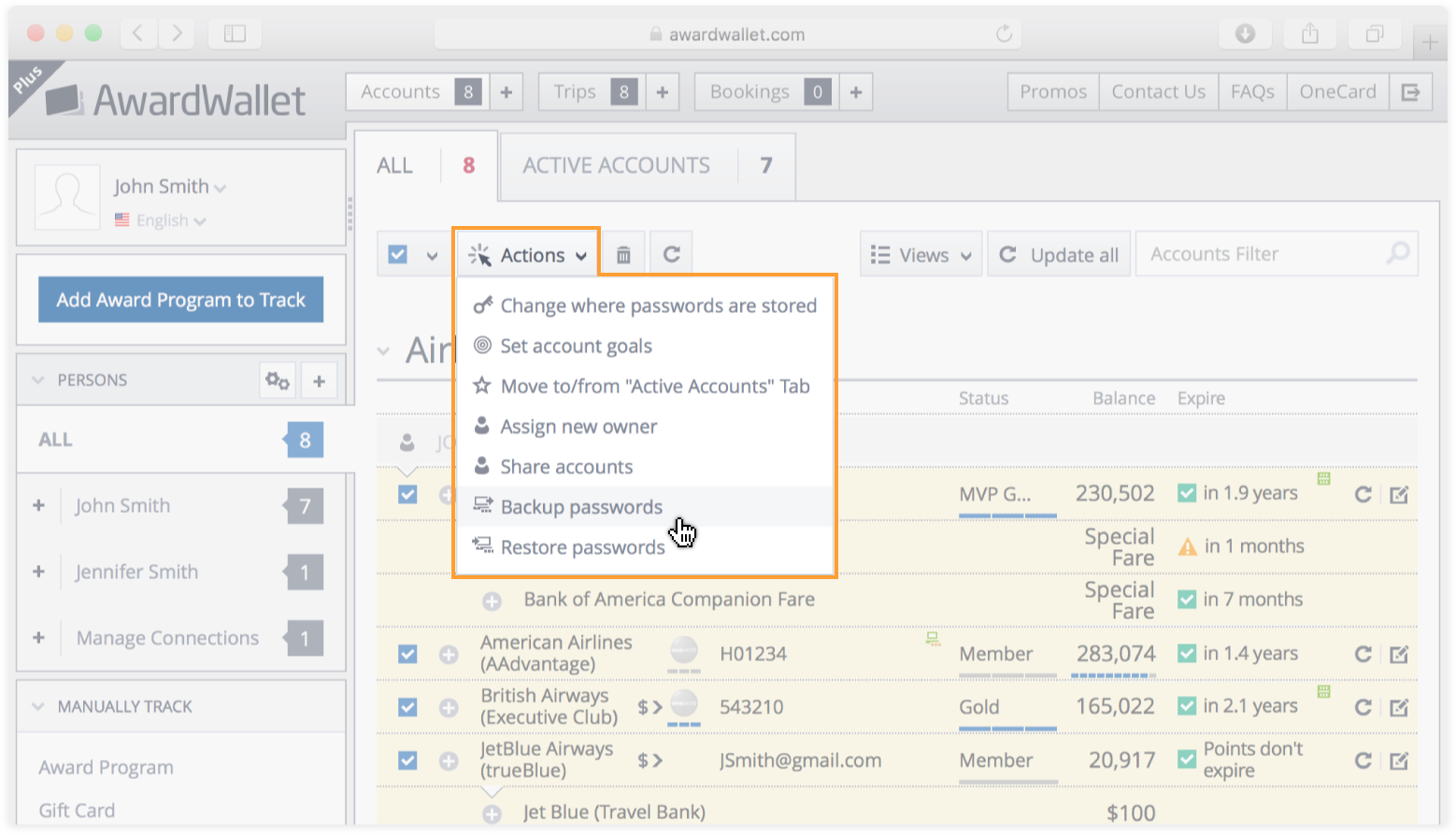
You can choose to store all of your loyalty account passwords locally on your device, instead of storing them in our secure database. If you choose this option, you can (and should) periodically back them up into a file. In the event that you delete your cookies, these passwords will be deleted. With a proper backup, you'd be able to safely restore from that backup file.