






AwardWallet receives compensation from advertising partners for links on the blog. The opinions expressed here are our own and have not been reviewed, provided, or approved by any bank advertiser. Here's our complete list of Advertisers.
Chase offers one of the most comprehensive credit card portfolios available, with many of its cards ranking among the best for specific spending categories. With so many options available, it's common for customers to hold several Chase cards — particularly if they have both personal and business accounts. That can lead to juggling multiple Chase logins.
To simplify things, Chase added a feature to its online account center. Previously, combining online account logins was possible but required a phone call. Now, you can connect your Chase logins online in just a few minutes.
Here's how to combine your online profiles — and why you should do it.
How To Combine Two Chase Account Logins
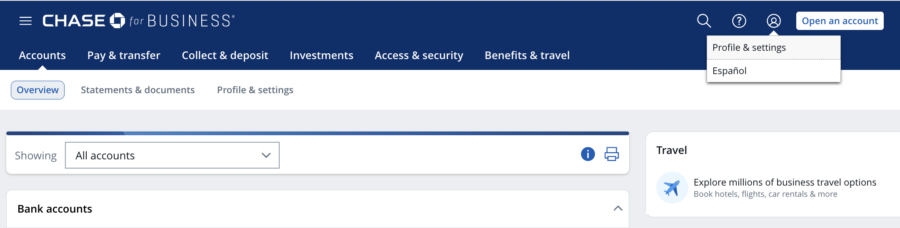
The easiest way to combine two Chase account logins is on a desktop computer. To start, sign in to the account you want to use as your main account. Once logged in, click the person icon at the top-right corner of your Chase dashboard and select “Profile & settings.”
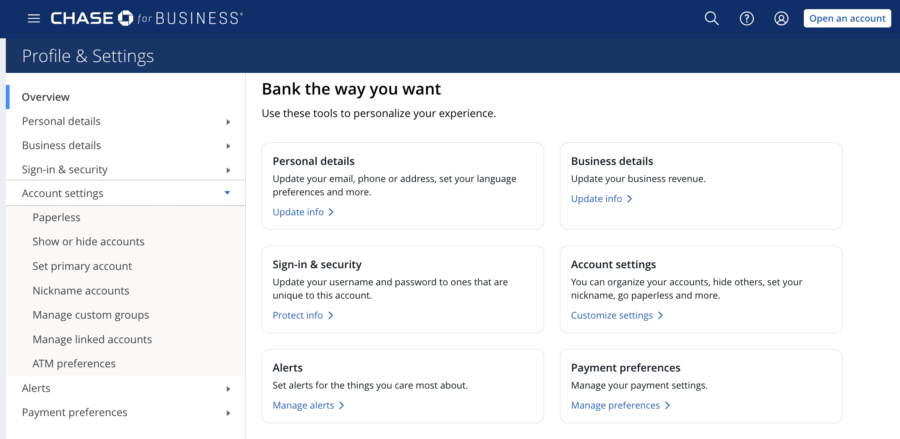
Once there, click the “Account settings” link on the left-hand navigation bar. Choose the option that says “Manage linked accounts.”
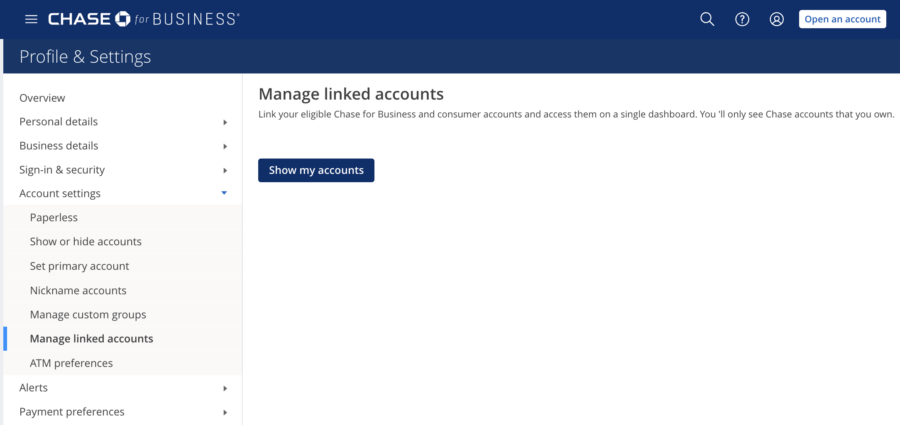
Next, click “Show my accounts.”
Chase will then display all profiles and accounts available to combine under one login. Click “Link relationship” next to any Chase accounts you want to merge into this login. Chase will ask you to confirm before submitting your request.

If successful, Chase will display a confirmation screen showing, “Your account has been successfully linked.” It's that simple!
What account to keep if you have a small business
If you're linking both a Chase business and a Chase personal account, you'll need to keep the business profile and merge your personal account into it. Chase doesn't allow business accounts to be added to a personal profile. Regardless of whether you're signed in to a personal or business account when submitting the request, the process is the same.
How To Use Your Combined Chase Online Account
Once you've successfully combined your Chase accounts, you'll be able to view both your personal and business accounts in one place.
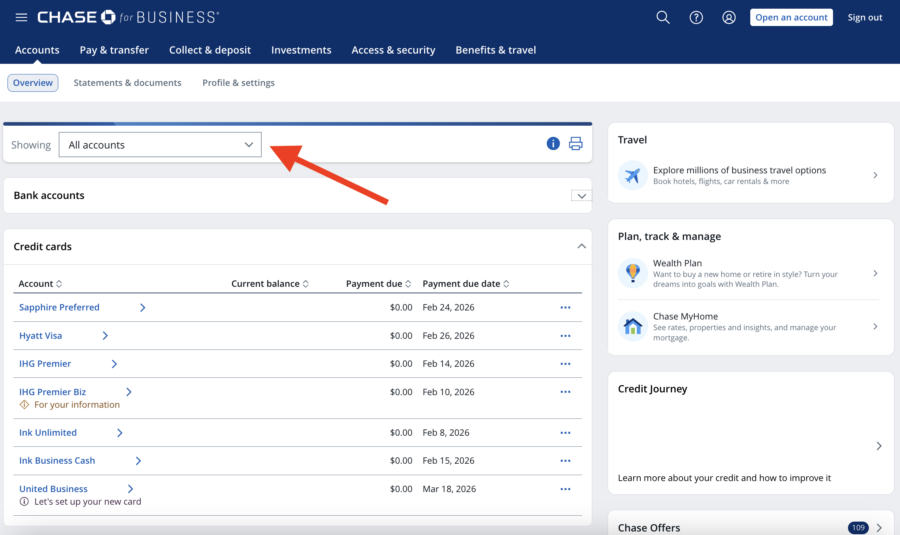
On desktop, a combined business and consumer dashboard includes a drop-down menu at the top of the screen that lets you change how they're displayed. You can view all accounts together, filter by business or personal accounts, sort by banking or credit card accounts, or create a custom group.
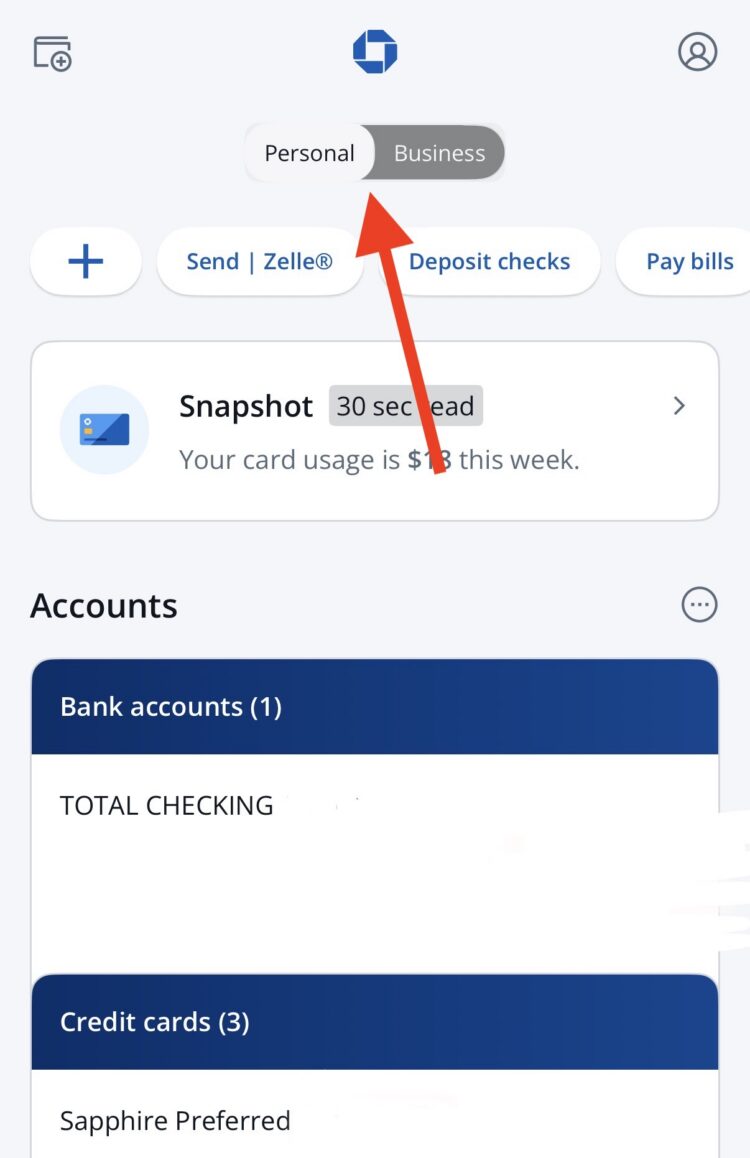
On the Chase mobile app (Apple/Android), simply toggle the switch between your business and consumer accounts.
Why You Should Combine Your Chase Logins
Aside from seeing all your balances in one place — making it easier to track spending and payment due dates — there's another benefit to linking your Chase accounts. Chase allows you to combine your points and cash-back rewards across eligible accounts. Doing so only takes a few clicks once you've connected everything under one profile.
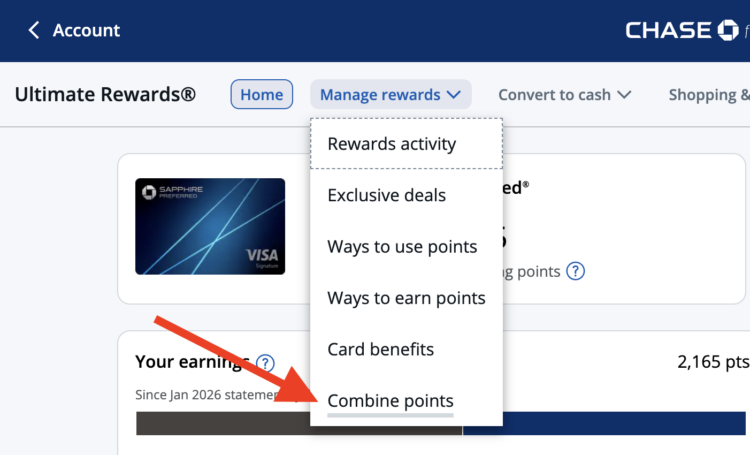
To combine points, open your Ultimate Rewards® dashboard. Then click “Manage rewards” on the top bar. Choose “Combine points.”
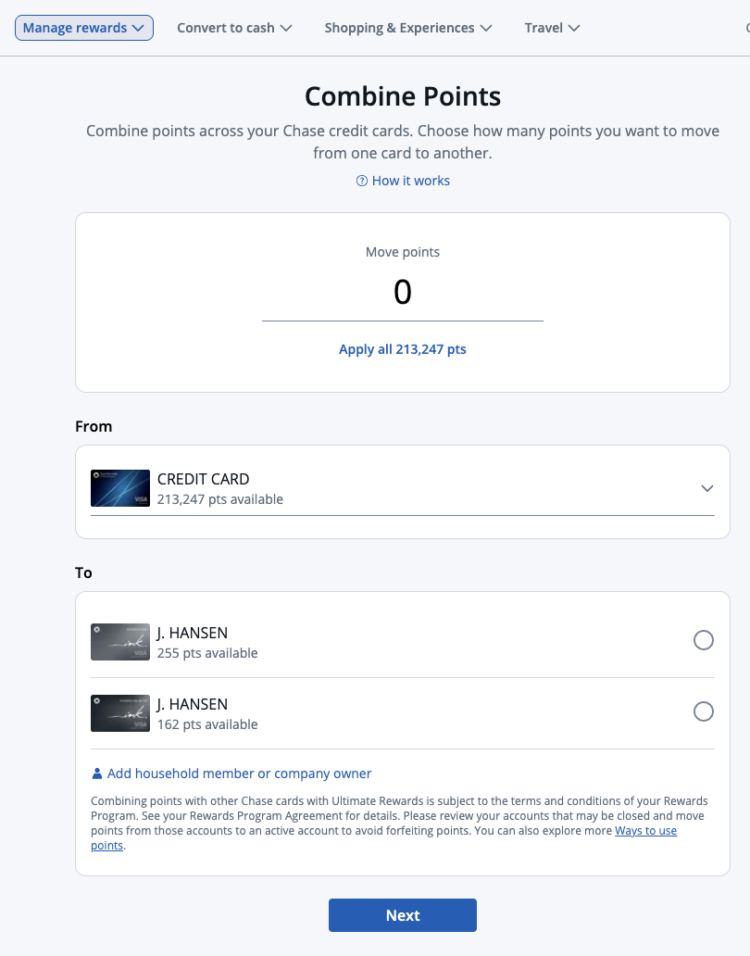
Next, Chase will take you to a page where you can choose how many points to move, along with the account you're transferring from, and the account receiving. Follow the prompts to confirm the transfer.
You can only access Chase's 14 airline and hotel partners from certain cards. Moving your rewards to one of those eligible cards makes it much easier to transfer points.
You'll need one of the following Chase Ultimate Rewards cards to maximize your Chase earnings:
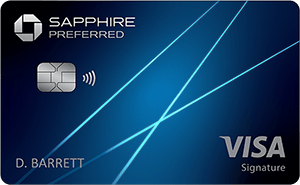
$95Rates & Fees
- 5X points on Lyft rides through September 2027
- 5X points on travel purchased through Chase Travel℠
- 3X points on dining at restaurants worldwide
- 3X points on eligible streaming services
- 3X points on online grocery purchases (excluding Target, Walmart, and wholesale clubs)
- 2X points on all other travel
- 1X point per dollar spent on all other purchases

$795Rates & Fees
- 8x points on all purchases through Chase Travel℠
- 4x points on flights and hotels booked directly
- 3x points on dining worldwide
- 1x points on all other purchases
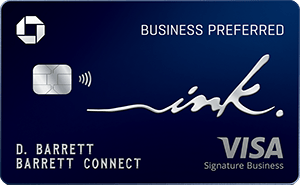
$95Rates & Fees
- 3X points per $1 on the first $150,000 spent in combined purchases on travel, shipping purchases, Internet, cable and phone services, advertising purchases made with social media sites and search engines each account anniversary year
- 1X point per $1 on all other purchases
Related: How To Transfer Chase Ultimate Rewards Points: A Step-By-Step Guide
Final Thoughts
Combining your Chase accounts makes it much easier to manage both personal and business cards in one place. While this process previously required a phone call, most accounts can now be linked online in just a few minutes.
Occasionally, a newly opened account may not appear as an option to link, so you'll still need to call Chase for assistance. But in most cases, the online method provides a faster and simpler way to manage your accounts and move rewards when needed.
For rates and fees of the cards mentioned in this post, please visit the following links: Chase Sapphire Preferred® Card (Rates & Fees), Chase Sapphire Reserve® (Rates & Fees), and Ink Business Preferred® Credit Card (Rates & Fees)